A static composition can look balanced until the camera starts moving. A slow push-in may make the foreground expand too quickly, a sideways move can reveal clutter at the edge of the set, and an orbit that sounded cinematic can pull attention away from the subject. These problems are usually discovered during rehearsal or after several takes. That costs little on a casual shoot, but it becomes more disruptive when the camera is on a slider, a gimbal has to be rebalanced, lighting is tightly placed, or the subject cannot repeat the same action indefinitely.
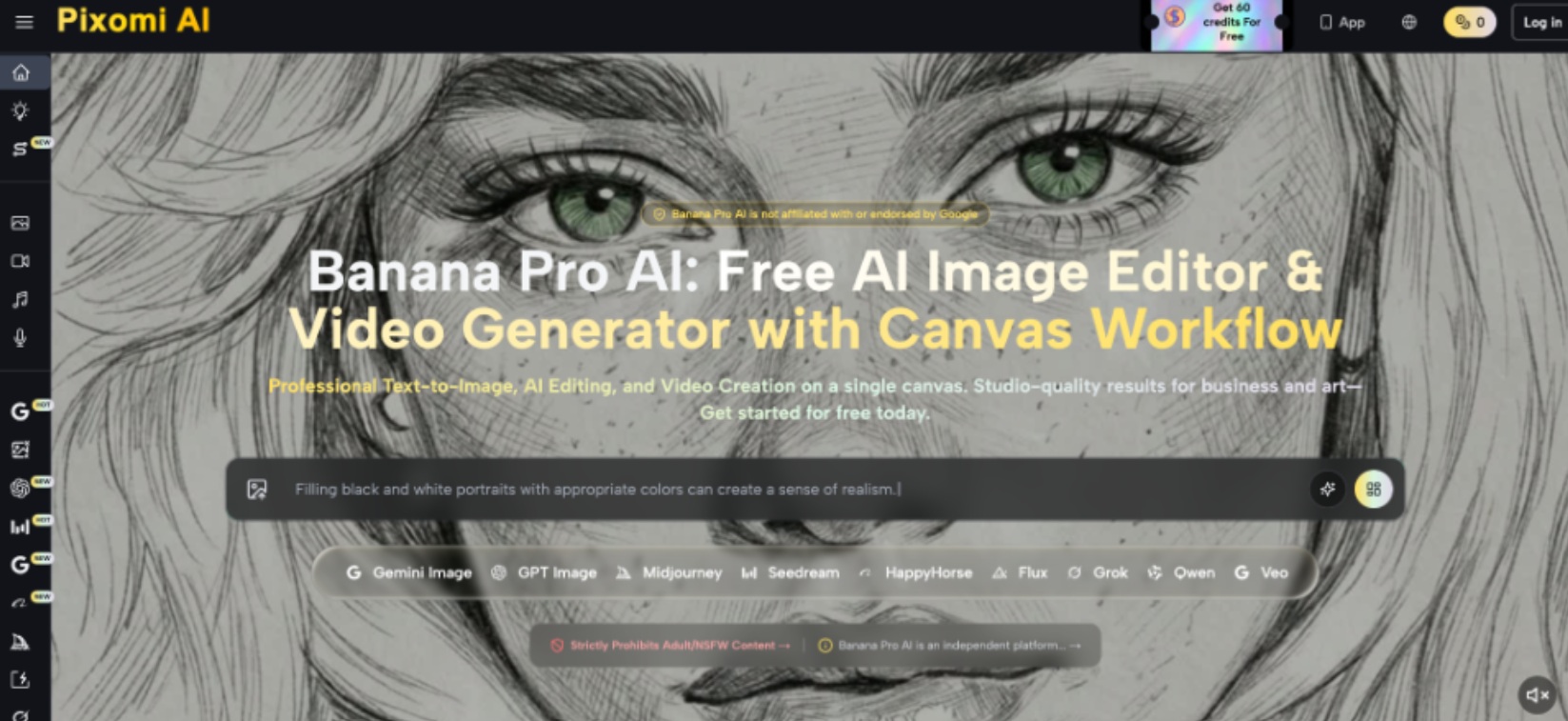
Previsualization gives the movement a job before the equipment starts moving. Take a representative still frame, identify the foreground, subject, and background layers, and decide what should become more or less prominent during the shot. When a still already contains the composition you plan to film, Nano Banana Pro can be used as one way to explore an image-to-video motion draft before trying the move physically. The draft is not a substitute for optical testing. It is a fast reference for asking better questions about direction, speed, subject emphasis, and whether movement actually improves the shot.
Decide What the Movement Must Reveal
Begin with the reason for moving the camera. A push-in can increase attention on a face or detail. A pull-back can reveal context. A lateral move can separate foreground and background layers through parallax. An orbit can show form around an object or subject. If the shot already communicates everything from a locked position, adding movement may only make framing, focus, stabilization, and editing more difficult.
Describe the intended change in one sentence. For example: “Start with the workshop environment visible, then move closer until the hands become the main subject.” That sentence gives you something measurable. At the end of the move, the frame should make the hands more important. If the background remains equally dominant or the move introduces distracting edges, the planned camera motion is not serving its stated purpose.
Read Depth Before Choosing the Move
Different camera movements depend on the geometry of the scene. A still frame provides useful clues about which moves are likely to produce visible depth and which may feel nearly static.
1. Separate Foreground, Subject, and Background
Mark the main planes in the image. A foreground object close to the lens, a subject several meters away, and a distant background create strong opportunities for parallax during lateral motion. If nearly everything sits on one flat wall, sliding sideways may produce little spatial change. Do not choose a move simply because it is easy to perform; choose it because the scene contains the depth needed to make the movement visible.
2. Check the Frame Edges
Movement reveals material outside the original composition. Study the left, right, top, and bottom edges and imagine what enters as the camera travels. A slider move beside a table may expose a light stand, an unfinished wall, or a foreground object that suddenly blocks the subject. If the location is available, take a second still from the approximate end position. The pair often reveals practical problems more reliably than a beautiful starting frame.
3. Match Movement to Subject Behavior
Decide whether the subject stays still, crosses the frame, turns, or performs an action. Camera motion that works around a static product may become difficult when a person walks unpredictably. If both subject and camera move, establish which motion leads. A slow lateral track can follow a person while preserving framing, while an orbit around a moving subject may demand far more focus and operator coordination than the shot earns.
4. Estimate a Realistic Move Length
A dramatic preview can encourage camera travel that is impractical on location. Measure the space available for the operator, slider, tripod, or gimbal path. Then consider where the move begins and ends, not only its direction. A useful previsualization should fit the physical room. If the concept requires the camera to pass through furniture or travel farther than the location allows, shorten the move before planning the rest of the shot.
Create a Motion Draft for Comparison
Once the starting composition and movement purpose are defined, create a simple reference rather than trying to simulate an entire finished sequence. Upload the still frame to Nano Banana Pro and describe one camera behavior, such as a slow push forward while the subject remains still, or a gentle lateral move with light movement in background foliage. Generate the short draft, then watch specifically for how attention shifts through the frame rather than judging it as finished footage.
Run at least one alternative with a different movement, not a completely different scene. Compare a push-in with a locked frame, or a lateral move with a subtle pull-back. Ask which version reveals the information you wanted and which creates unnecessary motion. Also note where the generated draft becomes physically implausible. Distorted geometry, changing subject proportions, or background elements that appear from nowhere are signals to stop treating that part as a camera reference.
The value of the draft is therefore directional. It can help a photographer or videographer decide that a slow move feels more appropriate than a fast one, or that a fixed frame protects the composition better. It cannot tell you exactly how a particular lens, stabilizer, autofocus system, shutter speed, or operator will behave on set.

Translate the Preview Into a Real Shot
After choosing the movement, rebuild it with real camera constraints. Start by selecting the focal length and camera position from the desired beginning frame in Nano Banana Pro. Then rehearse the end position while checking perspective, focus distance, and background changes. If you changed focal length after making the still reference, repeat the framing test because the relationship between camera position and scene geometry has changed.
Movement speed deserves its own rehearsal. Make one slow pass and one slightly faster pass while recording, then compare them at normal playback speed. Do not rely on how the move feels while operating the camera. A slider can feel extremely slow in the moment but look appropriate on screen; handheld movement may feel subtle to the operator yet appear restless when viewed later. If the shot will be slowed in editing, test that intended playback treatment before finalizing the take.
Finally, check technical side effects. Watch autofocus transitions, stabilization corrections, rolling perspective changes near wide-angle frame edges, and any focus breathing that alters composition. Previsualization can suggest the move, but only the real lens and camera can show these behaviors accurately.
Use Previsualization to Simplify the Shoot
A useful camera move begins with a visual reason, not with a piece of equipment. Decide what the movement should reveal, inspect the depth layers in the starting frame, anticipate what enters at the edges, and make sure the subject action and available space support the plan. A motion draft can then help compare directions and pacing before the physical rehearsal, while real test footage remains responsible for lens behavior, focus, stabilization, and perspective.
This process often leads to simpler shots, which is a useful outcome rather than a failure of ambition. Some frames benefit from a gentle push, while others become stronger when the camera stays still and the subject provides the movement. Keep the starting still, movement note, draft, and real test clip together when evaluating a setup. Over time, those comparisons build a better instinct for which scenes contain useful parallax, how much movement a composition can tolerate, and when the strongest camera decision is to stop moving.