
If you wondered how to make the background in the photo blurry so that using the correct focus only the most important element in the photo is highlighted, then you will find useful information from this article :).
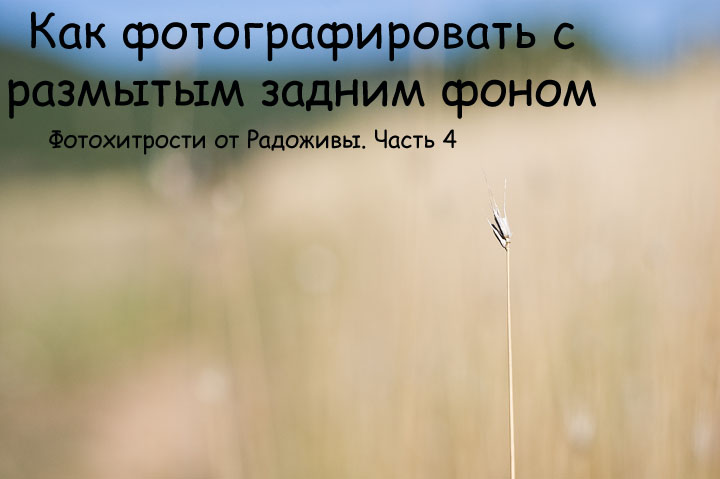
Blurred background and foreground. My photo. F2.0, 50mm, ISO 200, 4000 ′, Helios-81n, Nikon D40
The blurred background in the photo can be in two main ways:
1. Using the camera settings
2. Using software
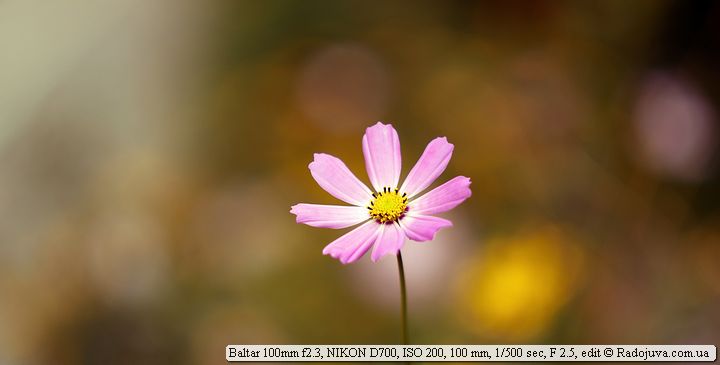
Blurred photo
For blurring power and creating bokeh is the strongest The following physical parameters affect:
- Geometric aperture lens, it’s the same aperture. The smaller the F number, the finer the depth of field (depth of sharply depicted space) and the more the background and background are blurred.
- The focal length of the lens. The larger the focal length of the lens, the more the background will be blurred.
- Focusing distance to the subject. The shorter the focus distance (the distance between the camera and what you shoot), the more blurred the background.
- The distance between the subject and the background. The farther the background from the subject, the more blurry it is.
- Optical design (more specifically affects the nature of the blur). The better the optical design, the more pleasant the bokeh :)
- Indirectly affects matrix size the camera. More than matrix size, the more viewing angle and the closer you need to get to the subject, which, in fact, rests on the 3rd point. Therefore, they argue that full-format cameras blur the background more strongly than cropped. Speaking rudely, the more crop factorthe harder it is to blur the background.
- Also, blurring is affected by special nozzles and filters on the lens. Here an example of a simple home-made Center Spot filter.
You can also blur the background using special graphic editors. But, of course, a more natural and natural blurring of the background occurs directly when shooting. In order to blur the background with the camera as much as possible, you need to configure it correctly.
What is the best way to set up your camera
1. Open the aperture as wide as possible . The aperture is usually determined by the F number. It's very convenient to take photos with a blurred background in aperture priority mode, which is designated by the letters ' A ' or ' Av ' on the camera's mode dial. To open means to decrease the F number. For example, an aperture value of F3.5 is greater than an aperture value of F5.6. If, for example, the camera is set to F8.0, then to open the aperture you need to lower it to the minimum allowable value, usually F5.6, F3.5, F2.8. On fast lenses, you can even set values of F1.8 and F1.4. For example, I printed "Here is the background" on a piece of paper and, to blur it, I first shot at an aperture of F/1.4, and to bring it out further, I shot at an aperture of 16.0.
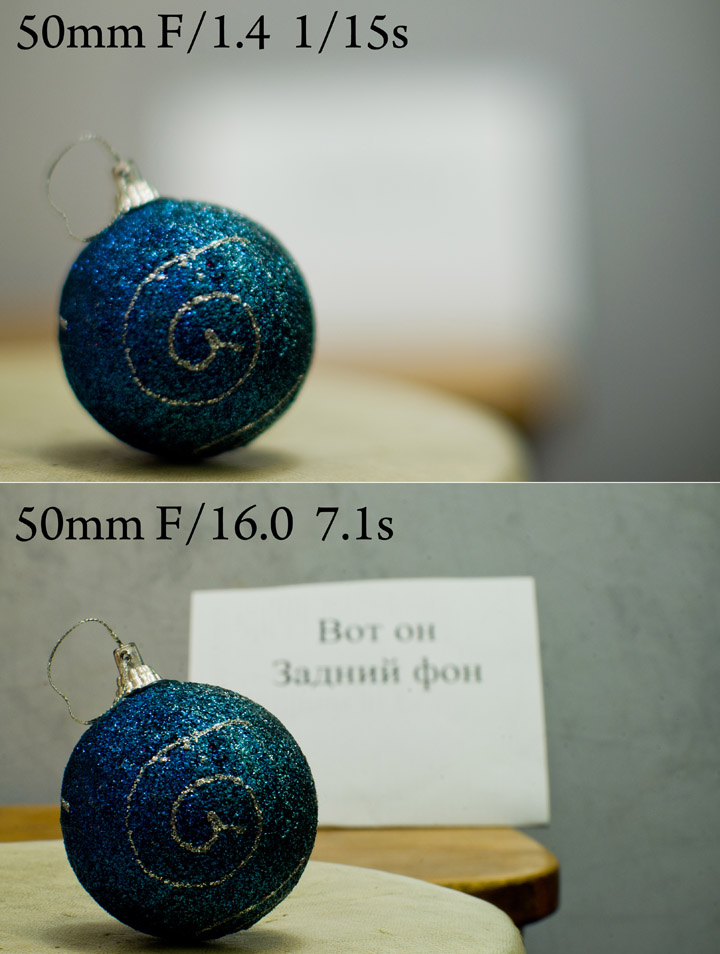
The effect of the aperture on the depth of field and on the blurriness of the background
2. Use the maximum focal length on your lens (i.e., zoom in to the maximum). The longer the focal length , the easier it will be to blur the background. To do this, zoom in to the maximum on a digital camera, or simply zoom in to the maximum focal length on a DSLR. For example, if you have an 18-55mm lens, you'll achieve the best background blur at 55mm (at the maximum focal length setting). On a regular digital camera (also known as a point-and-shoot), you can sometimes simply turn on macro mode, which will automatically set the lens to the maximum focal length.
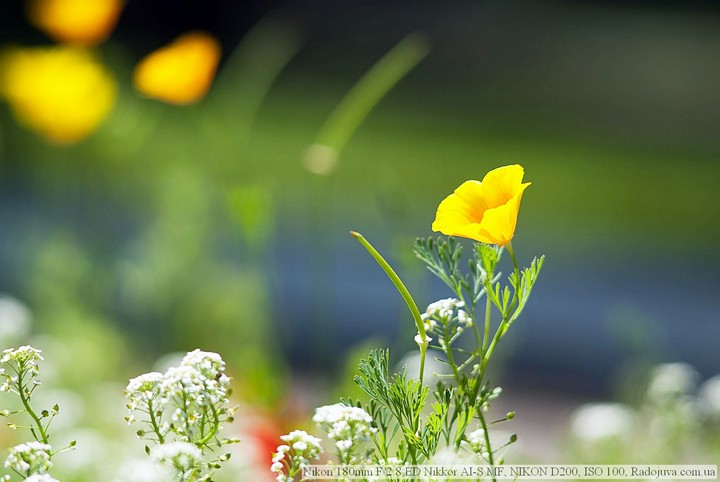
Sample photo with blurry background
3. Finally, get as close as possible to the subject you're photographing . The closer your subject is to the lens, the more blurry it will be. The lens will also focus closer and closer. Just make sure the frame is well composed, otherwise you might end up with something completely different from what you intended.

Sample photo with blurry background
Boke
Of course, many have heard of bokeh. Bokeh is the nature of the background blur, including its intensity. If the lens blurs the background well, then the lens is said to have good bokeh. There is a lot of debate about the beauty of bokeh - which lens is better or worse. Bokeh has its own plasticity, distortions, twisting, etc., the feeling of beauty of bokeh comes with experience and each has its own.
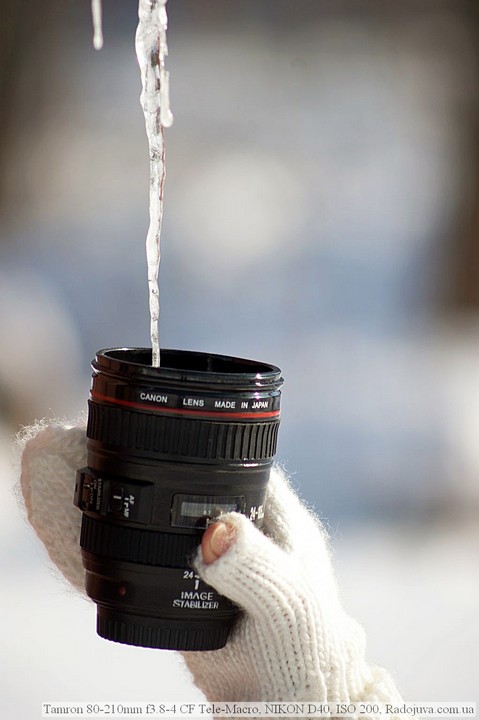
Sample photo with blurry background. Soft bokeh
Chasing bokeh
The pursuit of better bokeh is a comparison of a huge number of shots, all sorts of arguments in favor of a particular lens, which leads to the pursuit of fast and long-focus lenses, which cost a lot of money.
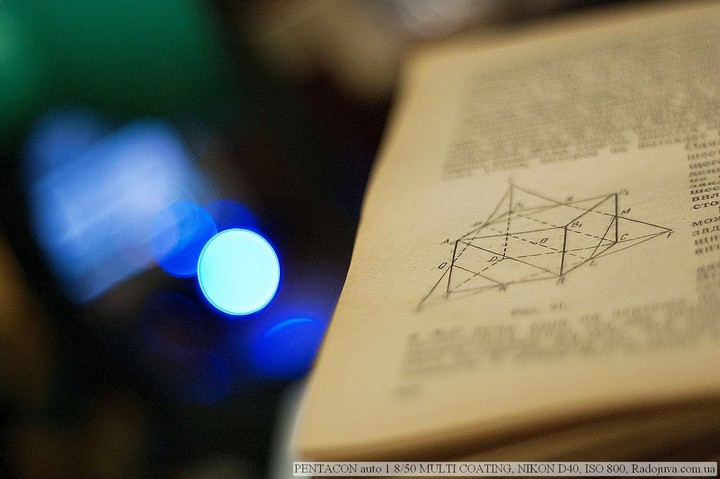
Sample photo with blurry background
Which lens blurs the background the most
Following on from the above, a lens with a long focal length and fast aperture will blur the background the most . For example, 50mm focal length lenses with a fast F1.4 aperture blur the background well ; short telephoto lenses like 135mm F2.0 blur the background even more; 200mm F2.0 telephoto lenses blur the background even more, and so on. But the longer the focal length and the faster the aperture , the more expensive the lens. Therefore, amateur photographers usually opt for a 50mm F1.4 lens or a dark but long telephoto lens like a 70-300mm F4.0-5.6. Which lens is best for you depends entirely on your personal preferences.
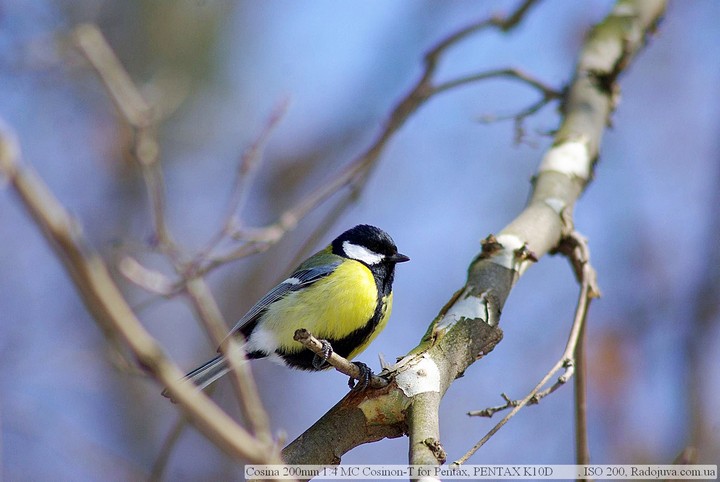
Sample photo with blurry background
More thoughts about blurring
When delving into the details of what influences bokeh more, it's difficult to reach a consensus, but please note that sometimes focal length has a greater impact than lens aperture . Also, background blur is indirectly affected by sensor size for the same lens. For example, on full-frame cameras, blur is said to be stronger with the same lens. A lens's depth of field doesn't change—it's a physical quantity. So what's the catch? The catch is that the lens's focusing distance changes to compose the same shot. And naturally, the further the background is from the subject, the more blur it will be. Incidentally, short-throw lenses with fast apertures are generally better at blurring backgrounds that are close to the subject.
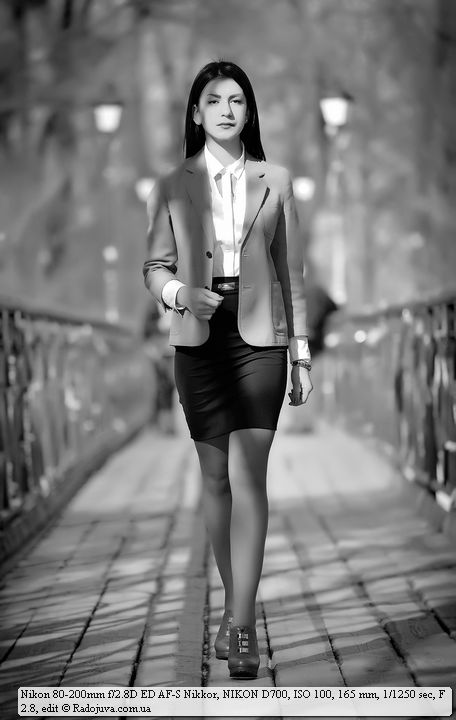
Background blur in a full-length portrait
Photoshop will also help
If the picture is taken and you want to blur the background, then Photoshop or another program will come to the rescue. There are a lot of blur methods and I will not dwell on them.
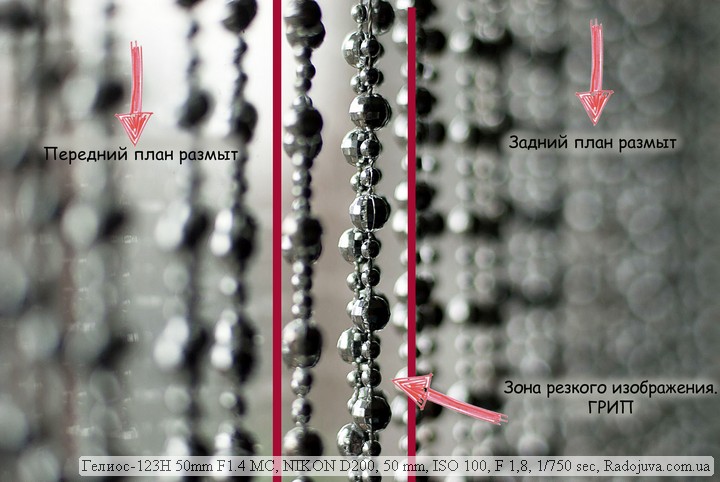
What is blurring the front and back (far) plan in general?
Conclusions:
For maximum blur, shoot with the widest aperture and the maximum focal length of your lens. In this case, the further the distance between the background and the subject is and the closer the distance between the camera and the subject, the more the background will be blurred. If the camera cannot provide a normal blur, you can finish it in a special program, such as Photoshop.
↓↓↓ Like it :) ↓↓↓ Thank you for your attention. Arkady Shapoval.

Hello. Help to be determined please. On the nikon d3100, I need a fix for shooting small objects (about the size of a mug or a glass, sometimes smaller). I consider either the standard fifty-kopeck Nikon AF-S NIKKOR 50mm f / 1.8G, or 35mm Nikon DX AF-S NIKKOR 35mm 1 / 1.8G Which one will give the best blur and bokeh? We need about the same result as in the photo, this photo from the arsat h manual glass
Are you considering only these two lens options?
Yes
And if you try the good old Helios44-M4? With the correct setting, it has a very narrow depth of field with good blur ... Moreover, the price of Helios is a patch for a beam.
There are 44-2,44m-6 and arsat H. They all suit me with a picture. I want an autofocus fix for the reason that it is not always convenient with a manual one. I am considering these two glasses due to an extremely limited budget.
If you have experience with Helios, then take 50 mm.
Arsat H is fifty dollars, so if a similar result, then take fifty Nikon.
Informative article. Please advise an inexpensive camera for shooting videos in 4K and with the best background blur.
Medium Format Fuji.
Thank you very clearly explained
Excellent.